
Super Coco: Your Mac's AI-Powered Voice Assistant

Super Coco: Your Mac's AI-Powered Voice Assistant
Image

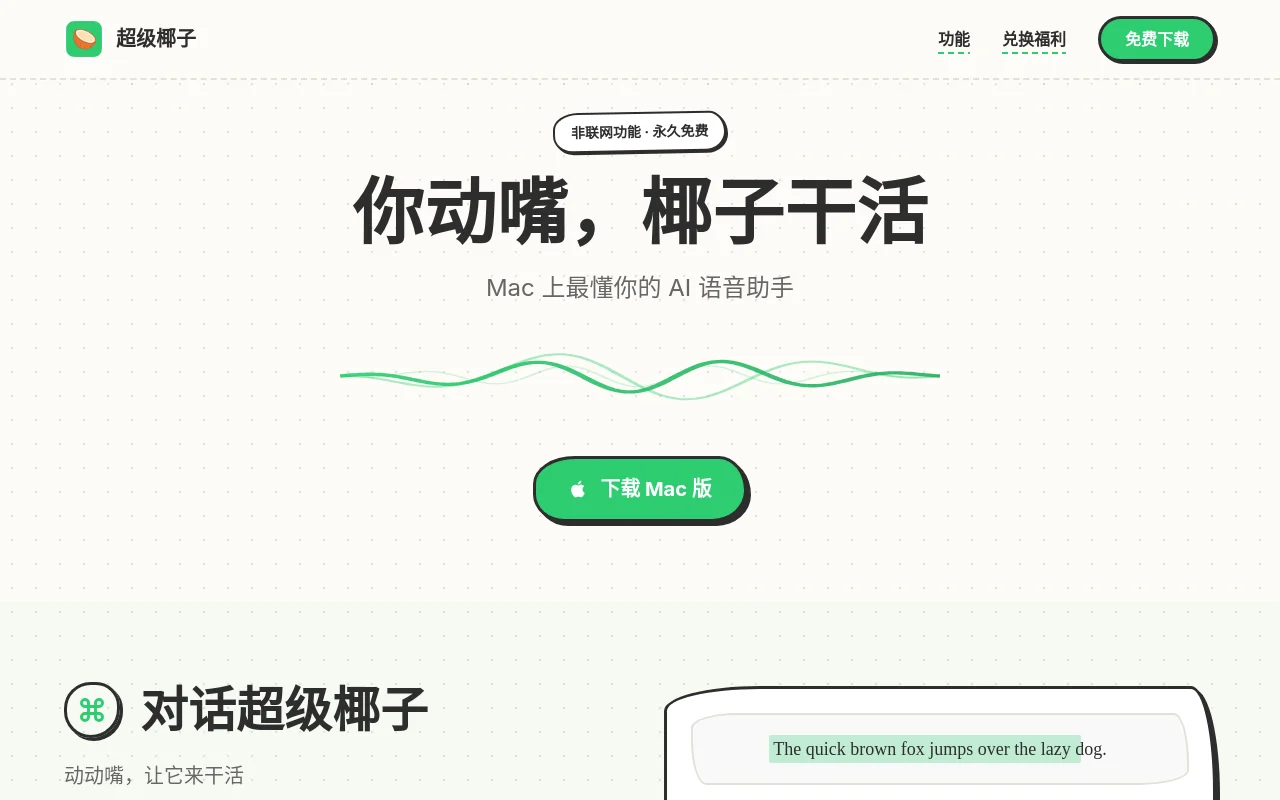
Ever wished your Mac could just take dictation—literally? That's where Super Coco shines. This isn't just another voice-to-text tool; it's like having a productivity genie living in your computer.

Why Mac Users Are Obsessed

Imagine this: You're reading a dense research paper in English when suddenly—"Translate this to Chinese." Boom. Instant translation appears right where you need it. Or picture brainstorming session where your half-formed ideas magically organize themselves into coherent bullet points as you speak them aloud.

Super Coco gets you:

  • Hands-free control for common tasks (goodbye repetitive typing)
  • Military-grade speed with responses faster than most keyboards can register
  • Built-in privacy thanks to optional offline mode
  • Free forever tools like screenshot markup that outperform paid alternatives

The magic happens through deep macOS integration—it doesn't just hear you, it understands context.

Standout Features That Feel Like Magic

Talk-to-Type on Steroids

Unlike clunky dictation software that leaves in every "um," Super Coco cleans up your verbal stumbles automatically. Dictate an email? It'll remove filler words while preserving your natural tone.

Context-Aware Text Tools

Highlight any text (in any app) and speak commands:

  • "Make this more professional" → Instantly polished copy
  • "Explain this code" → Clear commentary appears
  • "Shorten by half" → Concise version generated

The AI remembers formatting too—lists stay lists, headings remain headings.

Visual Communication Boosters

The built-in screenshot toolkit lets you:

  • Capture scrolling web pages with one click
  • Annotate directly on images using voice commands ("Draw arrow here")
  • Instantly share marked-up visuals with teammates All without leaving your workflow.

Future-Ready Functionality

Coming soon: Record complex workflows (like monthly reports) once, then have Super Coco replicate them perfectly with a single voice command.

Who It's Perfect For

User TypeSuperpower

The common thread? Anyone who types more than they'd like to.

Getting Started Is Simpler Than You Think

a) Download → b) Enable permissions → c) Start speaking instead of typing. The AI handles the rest. Pro tip: The customizable wake phrase makes activation feel truly seamless."",

Enjoyed this article?

Subscribe to our newsletter for the latest AI news, product reviews, and project recommendations delivered to your inbox weekly.

Weekly digestFree foreverUnsubscribe anytime

Related Articles

CoPaw: Your Privacy-First AI Assistant for Work and Creativity
Products

CoPaw: Your Privacy-First AI Assistant for Work and Creativity

Meet CoPaw, an open-source AI assistant that puts privacy first. Whether you're drowning in emails, chasing deadlines, or sparking creative ideas, this versatile tool adapts to your workflow. Run it locally or in the cloud, connect it to your favorite chat apps, and let it handle everything from summarizing videos to drafting reports while you sleep. Developers will love its modular design, while everyday users appreciate how it learns their preferences over time. Best of all? It's completely free to use.

March 11, 2026
AI assistantproductivity toolsopen source
Qclaw: Your Smart Remote Assistant for Work and Social Media
Products

Qclaw: Your Smart Remote Assistant for Work and Social Media

Meet Qclaw, a nifty desktop tool from Tencent that lets you control your computer remotely through simple WeChat commands. Whether you're crunching numbers in spreadsheets, managing social media, or even coding projects, this AI-powered assistant has got your back. It's like having a digital helper that remembers your preferences and works across both Mac and Windows. Currently in beta with free access, Qclaw promises to streamline your workflow with its 5000+ skills ecosystem while keeping your data safe on your local machine.

March 9, 2026
AI assistantproductivity toolremote control
Meet Viktor: Your AI Teammate That Supercharges Productivity
Products

Meet Viktor: Your AI Teammate That Supercharges Productivity

Viktor isn't just another chatbot—it's like having an extra set of hands on your team. Developed by Zeta Labs, this clever AI integrates seamlessly into Slack and Microsoft Teams, connecting with over 3,000 business tools to automate workflows before you even realize you need help. Whether you're managing ads, writing code, or tracking project deadlines, Viktor proactively spots issues and suggests solutions. With free and paid tiers available, it's transforming how teams work across marketing, development, and operations.

March 6, 2026
AI assistantworkplace automationproductivity tools
SureThing: Your 24/7 AI Work Assistant
Products

SureThing: Your 24/7 AI Work Assistant

Meet SureThing, the autonomous AI agent that never sleeps. This powerful extension of Selfkey acts as your tireless digital assistant, handling tasks around the clock while you rest. What makes it special? It remembers who you are, integrates with over 1,000 apps, and keeps your data secure with enterprise-grade protection (including Google CASA Tier 2 and SOC II certifications). Whether you're a busy executive drowning in emails, a freelancer juggling multiple projects, or a researcher crunching data, SureThing lightens your load by automating routine work. Imagine waking up to completed tasks - that's the future this AI promises to deliver.

February 28, 2026
AI assistantproductivity toolwork automation
Reztune: Your AI-Powered Resume Makeover
Products

Reztune: Your AI-Powered Resume Makeover

Reztune transforms your job hunt with smart resume magic. This clever tool uses AI to tweak your CV instantly, making sure it sails through automated screening systems and catches recruiters' eyes. Whether you're fresh out of school, switching careers, or just polishing your professional profile, Reztune helps highlight what really matters - your skills. It's like having a career coach whispering in your ear, suggesting the right words and formats that get results. Best part? You can try it for free and see the difference yourself.

February 13, 2026
resume buildercareer toolsATS optimization
Clawbot: Your Private AI Assistant That Works Offline
Products

Clawbot: Your Private AI Assistant That Works Offline

Meet Clawbot - the open-source AI assistant that puts privacy first by running on your own hardware. Unlike cloud-dependent alternatives, Clawbot gives you complete control over your data while handling real tasks like email management, smart home control, and scheduling. It works across 15 messaging platforms, offers 565+ pre-built skills, and lets you choose between different AI models. Best of all? It's completely free to use.

February 9, 2026
self-hosted AIprivacy-firstopen-source