
RED: Your Smart Floating Assistant for Effortless Productivity

Meet Your New Productivity Partner

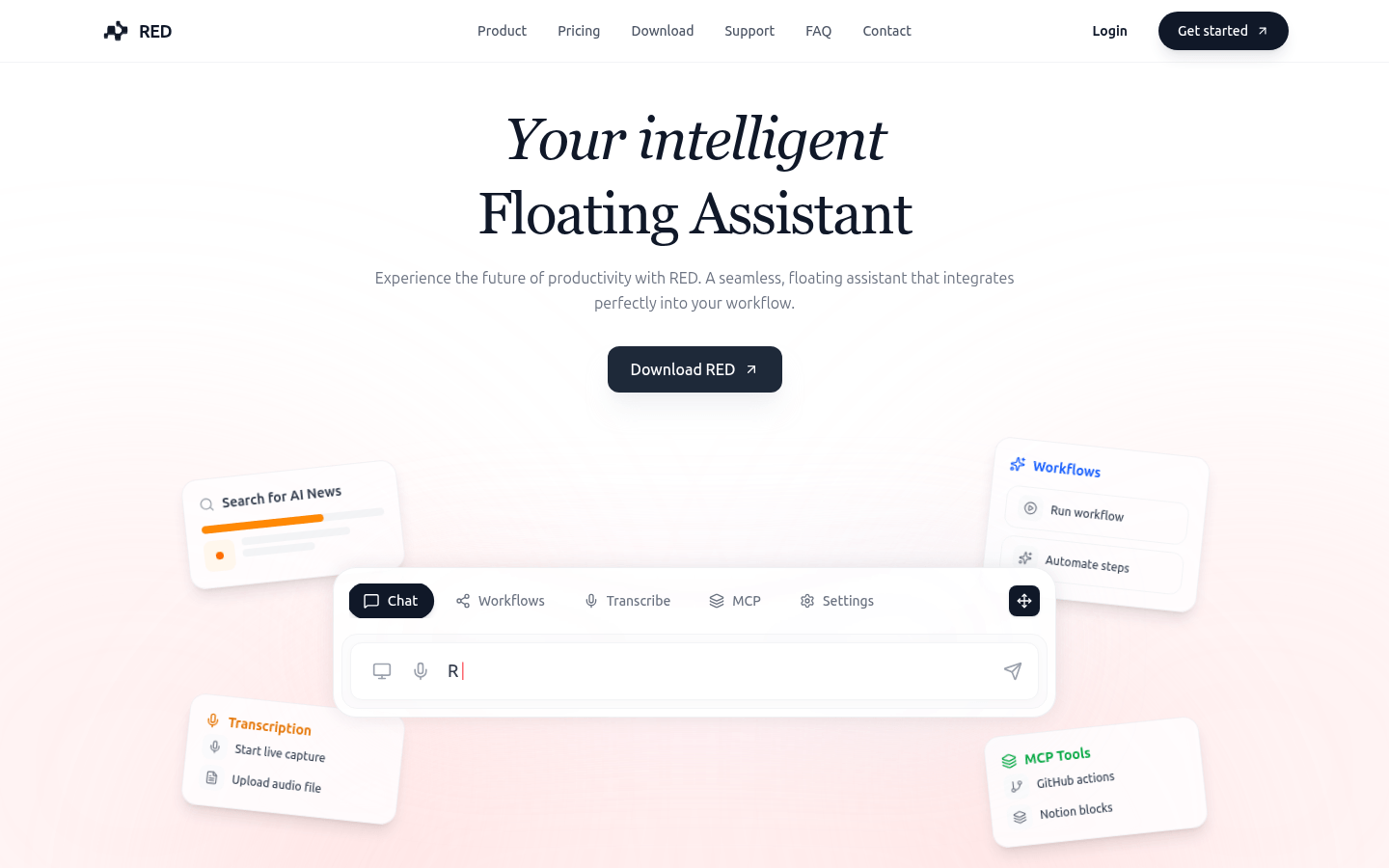
Ever wish you had an extra pair of hands (and brains) while working? That's RED in a nutshell - an intelligent assistant that floats conveniently on your screen, ready to jump into action.
Image

Why RED Stands Out

Context-Aware Intelligence

RED doesn't just sit there looking pretty - it actively understands what you're working on by reading your screen context through its MCP technology. Writing code? It'll suggest improvements. In a meeting? It's already transcribing.

Workflow Automation Magic

The real game-changer is how RED handles repetitive tasks. Tell it "Prepare my weekly report" and watch as it pulls data from multiple sources, formats everything beautifully, and even emails it to your team.

Seamless Tool Integration

From GitHub to Google Drive, Slack to Notion, RED connects the dots between all your essential tools. No more app-switching headaches - everything flows smoothly in one intelligent interface.

Who Benefits Most?

  • Developers: Code reviews become effortless as RED analyzes pull requests and suggests improvements
  • Students: Never miss lecture details with automatic transcription and smart note organization
  • HR Teams: Interview summaries write themselves while candidate tracking automates behind the scenes
  • Creative Pros: More time for big ideas as RED handles file management and administrative tasks
  • Business Teams: Meetings become more productive with real-time transcription and action item extraction

Getting Started is Simple

The free trial lets you experience RED's magic firsthand:

  1. Visit red-ai.app
  2. Install the lightweight client (currently optimized for macOS)
  3. Connect your favorite tools and services
  4. Start commanding instead of clicking - "RED, summarize this document" or "Schedule a team meeting next Tuesday"
  5. Upgrade anytime if you need more advanced features

Enjoyed this article?

Subscribe to our newsletter for the latest AI news, product reviews, and project recommendations delivered to your inbox weekly.

Weekly digestFree foreverUnsubscribe anytime

Related Articles

DailyStack: Your AI-Powered Workday Sidekick
Products

DailyStack: Your AI-Powered Workday Sidekick

Tired of drowning in emails and meetings? DailyStack is like having a personal assistant who sorts through the chaos of your work tools (Gmail, Outlook, calendars, etc.) and delivers a crisp morning briefing. It learns what matters to you, filters out the noise, and serves up only the essentials—helping professionals and teams reclaim focus time. With seamless integrations and smart prioritization, it's like giving your productivity superpowers. Best part? Try it free for 7 days—no credit card required.

March 6, 2026
productivityAI assistantworkflow automation
Meet Viktor: Your AI Colleague for Seamless Work Automation
Products

Meet Viktor: Your AI Colleague for Seamless Work Automation

Viktor is like having an extra team member who never sleeps. This clever AI assistant lives right in your Slack or Microsoft Teams, connecting over 3,000 business tools to make your work life easier. Whether you're managing ads, writing code, or tracking project deadlines, Viktor jumps in to automate tasks before you even ask. It spots problems early, suggests smart fixes, and handles repetitive work so your team can focus on what matters most. With free and paid options available, it's transforming how teams collaborate across marketing, development, and operations.

March 6, 2026
AI assistantwork automationproductivity tools
FlowSubs: Your Smart Subscription Sidekick
Products

FlowSubs: Your Smart Subscription Sidekick

Tired of losing track of your subscriptions? FlowSubs is like having a personal assistant for all your recurring payments. It quietly organizes everything from Netflix to niche software subscriptions in one place, nudging you before renewal dates so you never pay for forgotten services again. Whether you're sharing costs with family or just trying to trim expenses, its clean dashboard and smart analytics turn subscription chaos into clarity. The best part? You can start managing up to 3 subscriptions completely free.

March 4, 2026
subscription managementmoney savingpersonal finance
SureThing: Your 24/7 AI Work Assistant
Products

SureThing: Your 24/7 AI Work Assistant

Meet SureThing, the autonomous AI agent that never sleeps. This powerful extension of Selfkey acts as your tireless digital assistant, handling tasks around the clock while you rest. What makes it special? It remembers who you are, integrates with over 1,000 apps, and keeps your data secure with enterprise-grade protection (including Google CASA Tier 2 and SOC II certifications). Whether you're a busy executive drowning in emails, a freelancer juggling multiple projects, or a researcher crunching data, SureThing lightens your load by automating routine work. Imagine waking up to completed tasks - that's the future this AI promises to deliver.

February 28, 2026
AI assistantproductivity toolwork automation
ClawRecipes: Streamline Team Workflows with File-First Automation
Products

ClawRecipes: Streamline Team Workflows with File-First Automation

ClawRecipes is a game-changing plugin for OpenClaw that transforms how teams collaborate. By putting files at the heart of your workflow, it creates a structured yet flexible environment where everything from code to research notes lives in one searchable, version-controlled space. Imagine having a digital assistant that sets up your team's workspace with predefined roles, templates, and automated workflows - that's ClawRecipes in action. Whether you're managing developers, researchers, or operations teams, this tool helps standardize processes while keeping everything transparent and trackable. The best part? It plays nice with your existing tools like git and supports automated tasks through cron jobs.

February 26, 2026
workflow automationteam collaborationdeveloper tools
Trnscrb: Your Private Meeting Transcriber for macOS
Products

Trnscrb: Your Private Meeting Transcriber for macOS

Meet trnscrb - the smart way to capture meetings without compromising privacy. This macOS tool quietly listens in the background, automatically detecting and transcribing your Zoom, Teams or FaceTime calls using Whisper AI - all processed locally on your device. No cloud means no data leaks. Perfect for professionals who value confidentiality, students reviewing lectures, or freelancers tracking client conversations. It even highlights action items and makes transcripts searchable. Best part? It's completely free.

February 26, 2026
meeting transcriptionprivacy toolsmacOS apps